






A cross-platform TUI system monitor written in Rust. Uses ratatui for the terminal interface and sysinfo for real-time system metrics.
Contents
Features
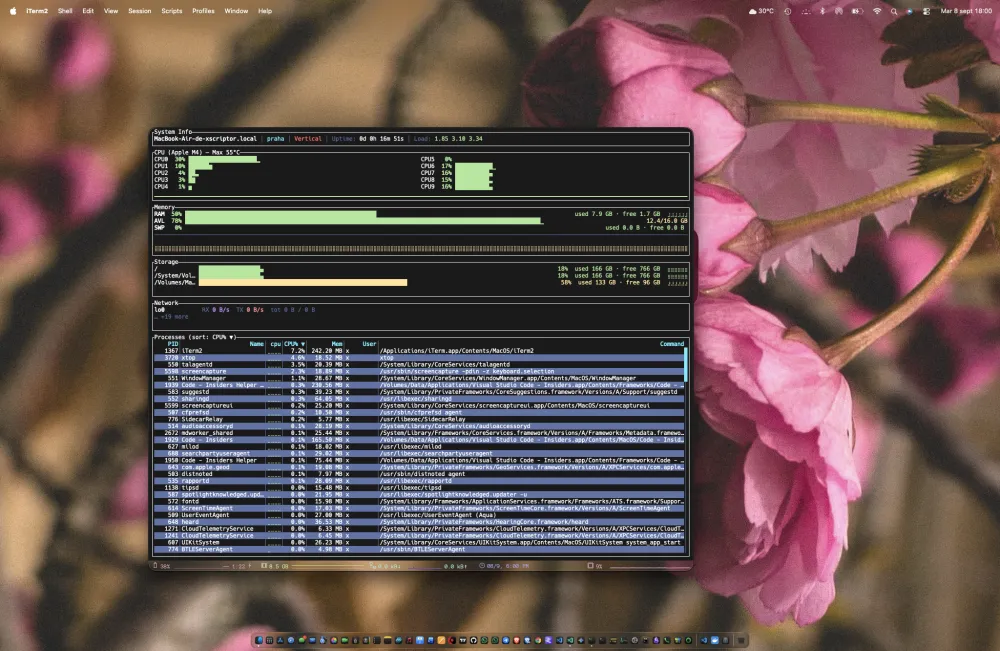
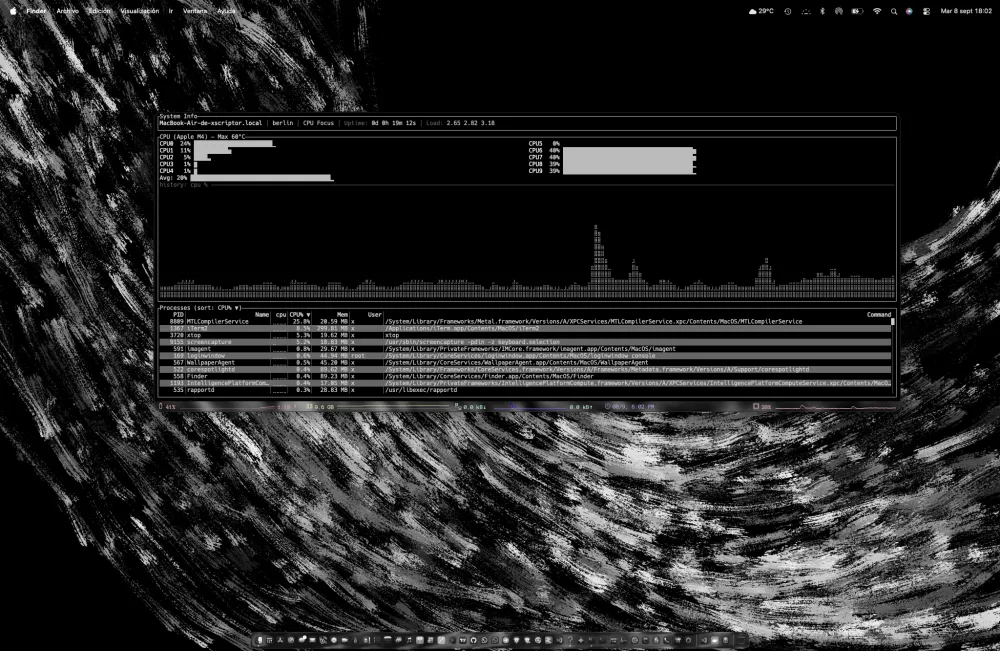
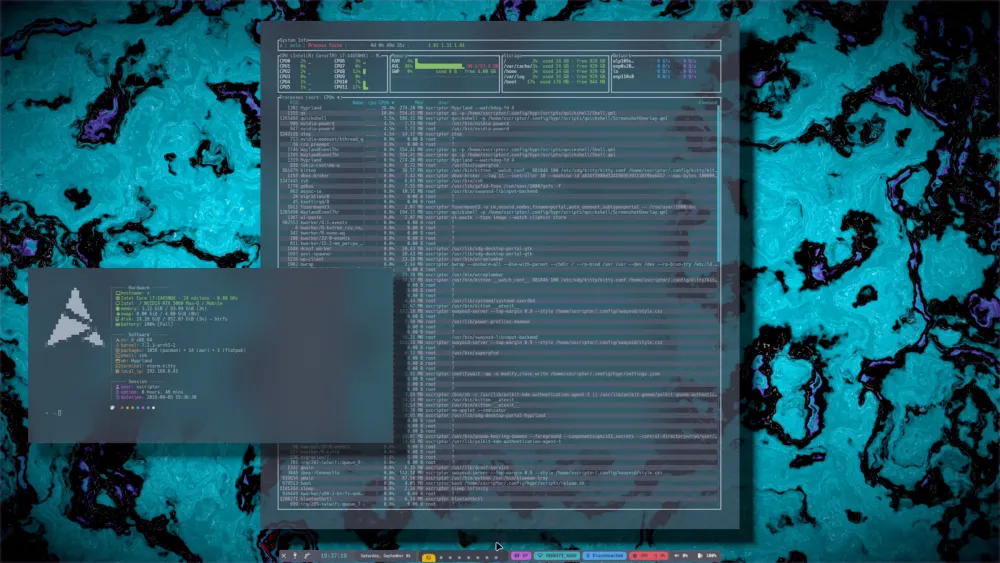
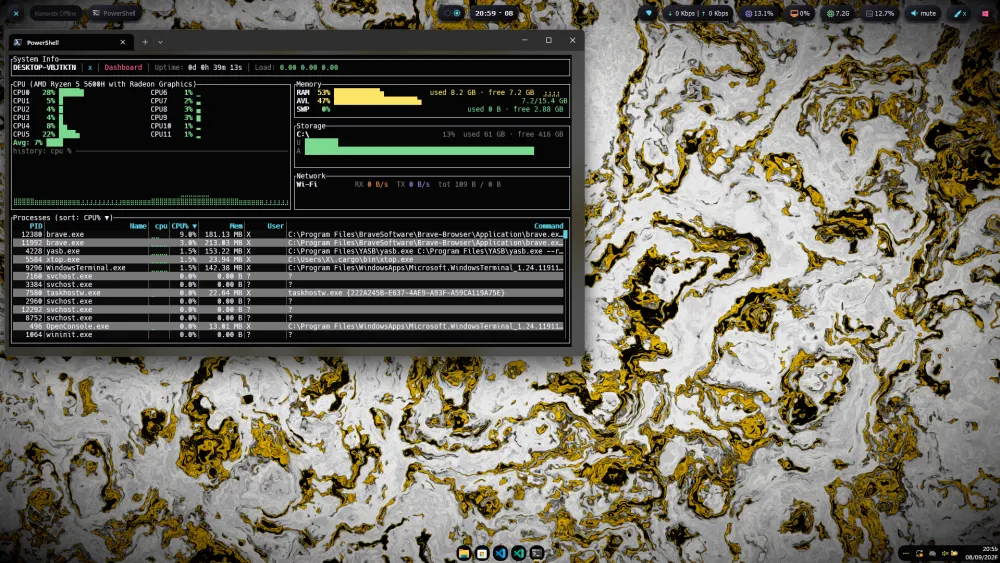
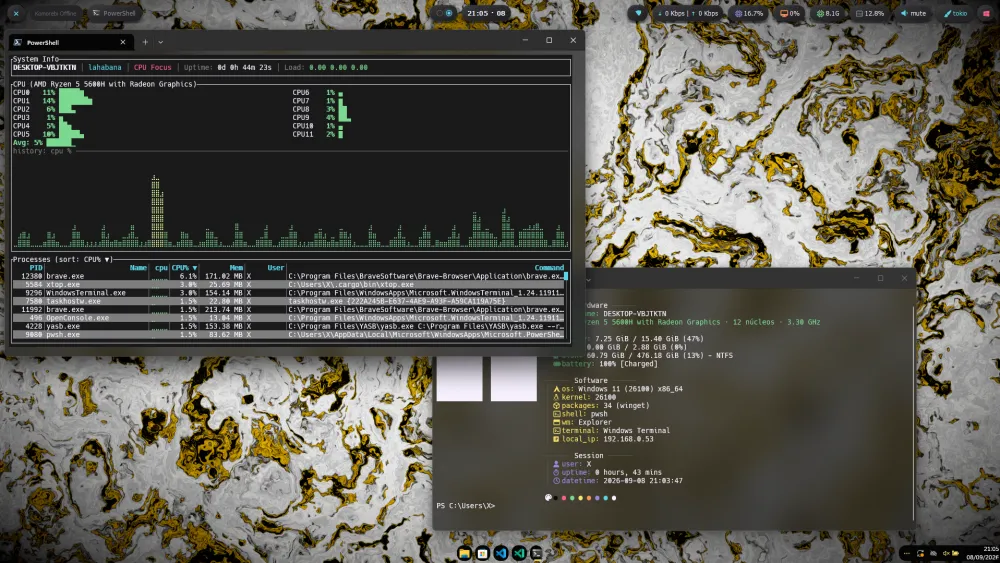
- CPU usage per core with temperature sensing
- RAM and Swap monitoring with historical chart
- Network RX/TX tracking per interface
- Storage and Disk I/O visualization
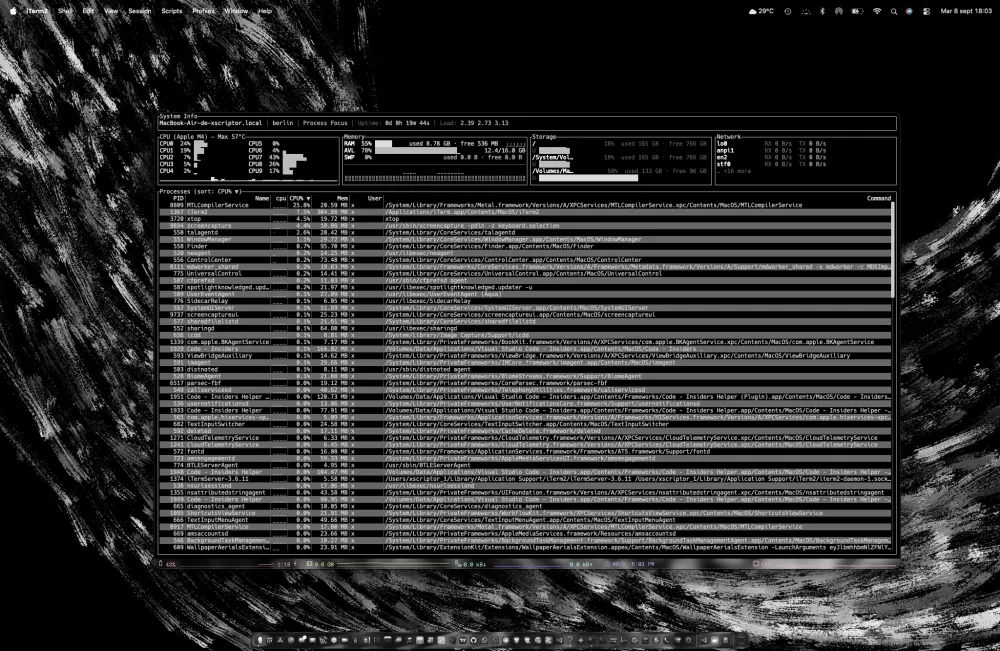
- Process list with live search, CPU/Memory/PID/Name sorting and ▲/▼ direction toggling
- Battery monitoring (real probes on Linux, macOS and Windows)
- GPU monitoring (NVIDIA via
nvidia-smion any platform; AMD/Intel via Linux sysfs probes) - 12 color themes with custom theme support via JSONC
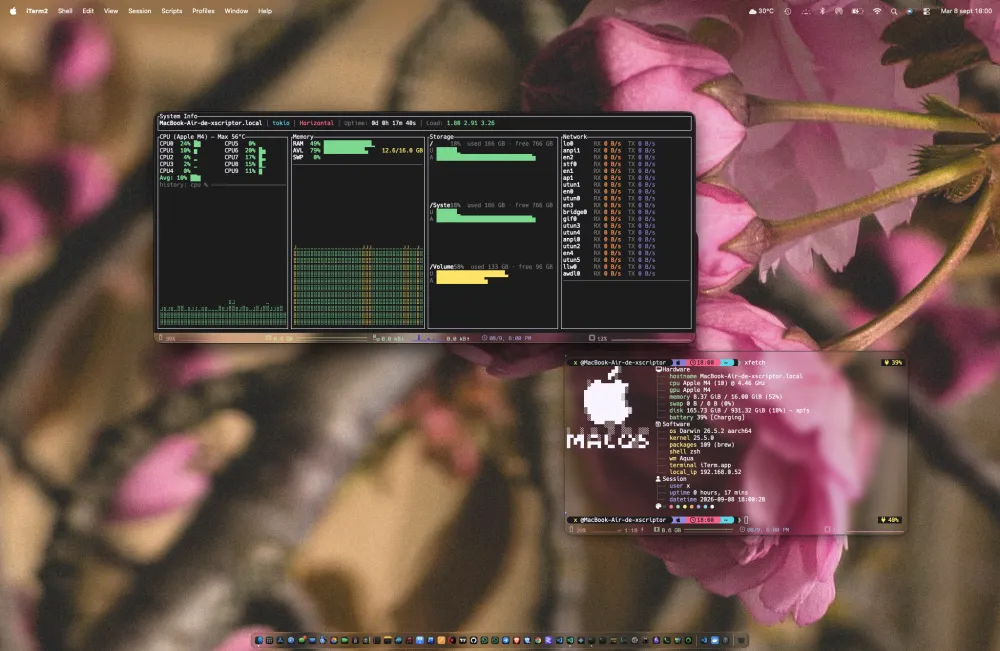
- 7 built-in layout modes + 3 Detail preset layouts, with custom layout support via JSONC
- Full-screen mode for any widget
- Configurable alert thresholds
- Persistent configuration
- Runtime widgets: sandboxed WASM modules or helper processes (Lua, Python, ...) via the opt-in
plugin-wasm/plugin-externalfeatures - Theme switching from the CLI (
xtop --ct <theme>), followed live by running instances
See docs/features.md for a detailed feature breakdown.
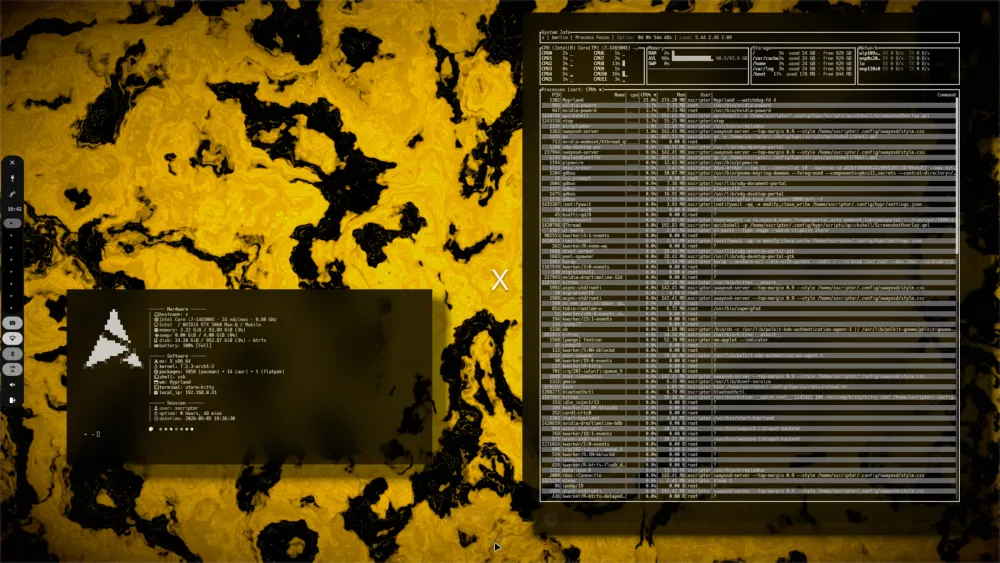
Previews
More...
Quick Install
Linux
curl -fsSL https://raw.githubusercontent.com/xtop-cli/xtop/main/install.sh | bashWindows (PowerShell)
irm https://raw.githubusercontent.com/xtop-cli/xtop/main/install.ps1 | iexmacOS and other platforms
install.sh targets Linux package managers. On macOS (or any other
platform) install with cargo:
cargo install --git https://github.com/xtop-cli/xtop --all-featuresor build from source (see below).
Build from Source
git clone https://github.com/xtop-cli/xtop.git
cd xtop
cargo run --release
For detailed installation instructions, see docs/installation.md.
Quick Start
Run xtop after installation. Key controls:
| Key | Action |
|---|---|
| q | Quit (saves config) |
| ? | Toggle help overlay |
| t / T | Next / previous theme |
| l | Next layout mode |
| f / F | Toggle / cycle full-screen |
| / | Search processes |
For full usage details, see docs/usage.md.
Documentation
- Features -- detailed feature breakdown
- Installation -- full install and uninstall guide
- Usage -- keybindings, modules, help overlay
- Configuration -- config file and settings reference
- Customization -- custom themes and layouts
- Colors -- palette reference for the 12 shipped themes
- Plugins -- plugin architecture and authoring
- Multi-repo architecture -- ecosystem RFC and layout
- Roadmap
- Changelog
- Contributing
- License